n8n vs Zapier: Which Automation Tool Should You Use in 2026?
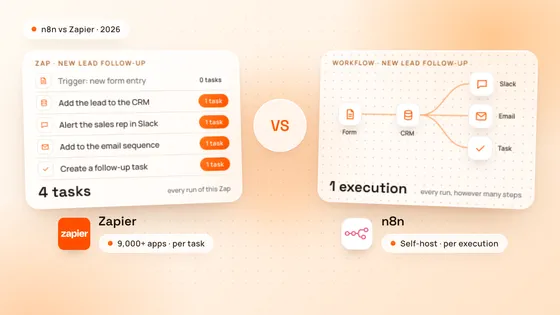
n8n vs Zapier in 2026, compared on pricing, tasks vs executions, integrations, self-hosting and AI agents, with when each one is the better choice.
n8n Workflow Automation
We design, build and look after n8n automations for growing teams: leads into your CRM, documents into data, AI agents that sort and draft, and every tool in your stack talking to the others, on your own server or n8n Cloud.
Our core stack
What We Automate
Most teams lose hours a week moving the same data between the same tools. We map those handoffs, then build n8n workflows that do them on their own, with checks, alerts and a person in the loop where a decision needs one.



We start with a free 30-minute strategy call on where your team loses time. Then we map each handoff, pick the ones worth automating first and agree what every workflow must do before we build it.
What we do:
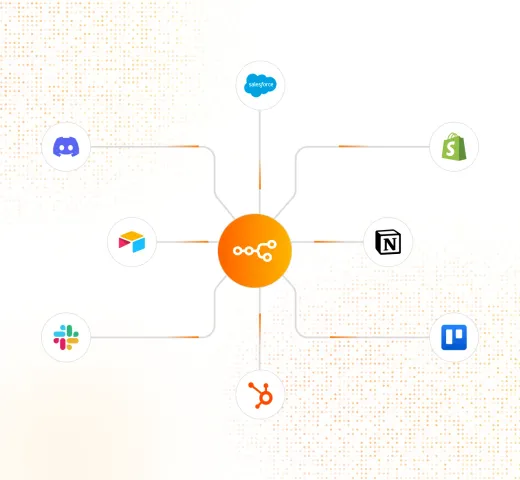
n8n lists more than 2,000 integrations, from HubSpot and Salesforce to Slack, Airtable, Notion and Google Workspace. We keep records in sync across them, so a new lead, order or sign-up lands everywhere it should.
What we do:
n8n’s AI Agent node lets a workflow read an email, sort a ticket or draft a reply with models such as OpenAI or Claude. We add the rules and approvals around it, so the agent does the routine work and your team signs off the rest.
What we do:
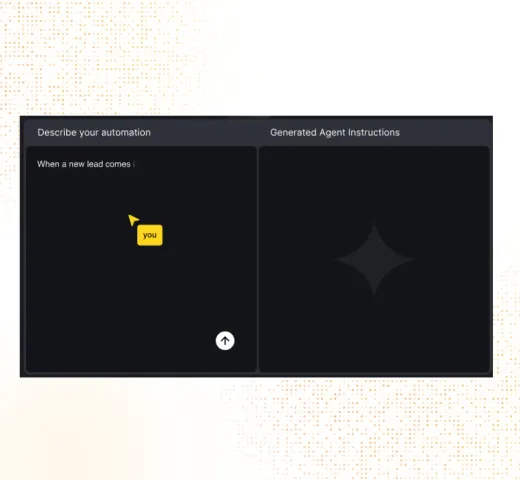
Invoices, forms, contracts and PDFs come in by email or upload, and the workflow pulls out the fields you need, checks them and files them in your system, with anything unclear sent to a person.
What we do:
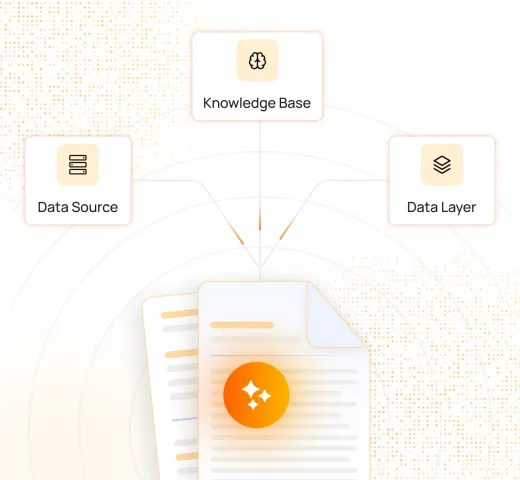
When a tool has no ready-made node, n8n’s HTTP Request node calls any app with a REST API, and its Code node runs JavaScript or Python. We use both to connect your own software and the systems nobody else supports.
What we do:
Your workflows run on your own server with Docker or on n8n Cloud, whichever suits your data and budget. We set up error alerts and logs, document every workflow and keep improving them as your processes change.
What we do:
How We Work
Each workflow is agreed, built, tested on real data and approved by you before it goes live.
A free 30-minute call on the handoffs that cost your team the most time.
Each workflow written down: trigger, steps, rules and who approves what.
Workflows built in n8n, with AI only where it does the job better.
Run on real data with error handling and alerts before anyone relies on it.
Live on your server or n8n Cloud, documented and monitored.
Why Choose Us
An automation is only useful if your team can rely on it on a busy Monday morning.
We write custom code and APIs where a template stops, so the workflow fits your process.
Every system handles 10× the current load, so more leads and orders do not break it.
AI steps come with rules, approvals and alerts, so nothing important happens unseen.
Self-host n8n for full control of your data, or use n8n Cloud and skip the upkeep.
Workflows and documentation are yours once the project is paid in full.
From our blog
n8n vs Zapier in 2026, compared on pricing, tasks vs executions, integrations, self-hosting and AI agents, with when each one is the better choice.
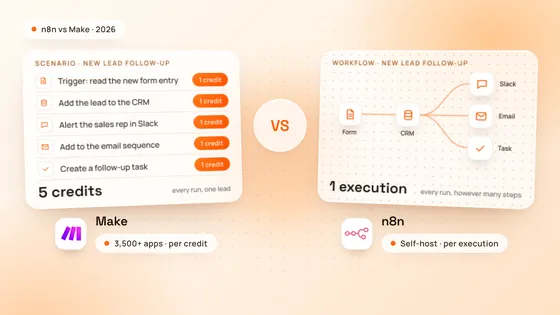
n8n vs Make in 2026, compared on pricing, credits vs executions, integrations, code, self-hosting and AI agents, with worked costs and when each one wins.
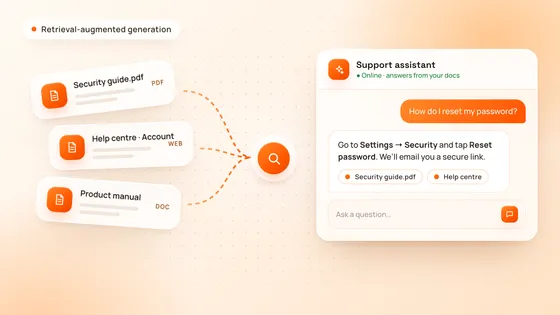
RAG lets an AI assistant answer from your own documents instead of guessing. How retrieval-augmented generation works, when you need it, and RAG vs fine-tuning.
Got Questions
n8n is a workflow automation tool that connects apps and services through visual workflows. n8n lists more than 2,000 integrations, can call any app with a REST API, runs JavaScript or Python in its Code node and has an AI Agent node for working with language models.
n8n can be self-hosted, so your data stays on your own server, and it handles custom code, APIs and AI agents well, which suits complex or high-volume workflows. For a few simple automations Zapier is often enough, and we tell you so on the strategy call.
Self-host n8n with Docker when you want full control of your data or run many workflows, and use n8n Cloud when you would rather not manage a server. We set up either and can move you from one to the other later.
Lead capture and CRM updates, onboarding, invoices and documents, reports, alerts and syncing data between tools. With AI steps a workflow can also sort emails and tickets or draft replies for your team to approve.
Yes. The workflows run on your own n8n, on your server or your n8n Cloud account, and once the project is paid in full the workflows and documentation made for you are yours, as our Terms of Service set out.
Book a free 30-minute strategy call and tell us which tasks take your team the most time. We reply to every request within 24 hours and come back with the workflows worth building first.
Ready to Start?
Book a free 30-minute strategy call and tell us which tasks eat your week. We reply to every request within 24 hours.