Audit and Export
Day 1We go through your whole site, export everything from the builder and agree the CMS with you.
- Kickoff call, access shared
- Every page and breakpoint reviewed
- Content, images and fonts exported
- Animations listed, CMS agreed
Astro Development Service
We rebuild your Webflow or Framer site in Astro, page for page, keep every URL and ranking, and hand you code you own with a CMS your team can edit. Websites start from $599.
Early bird $1,499 · 10 of 10 slots leftOur core stack
Why Astro
A concept rebuild of the AgenticX home page, the Signvex email signature app and the Lumière & Vale jewellery store all run on Astro, built by our team. So does technamah.com: we moved it from Webflow in 2026 and kept every live URL. Your site gets the same process.



What You Get
Your Framer or Webflow site becomes an Astro project in your own GitHub: every page as code, your content in a CMS your team edits, and hosting on your own account.
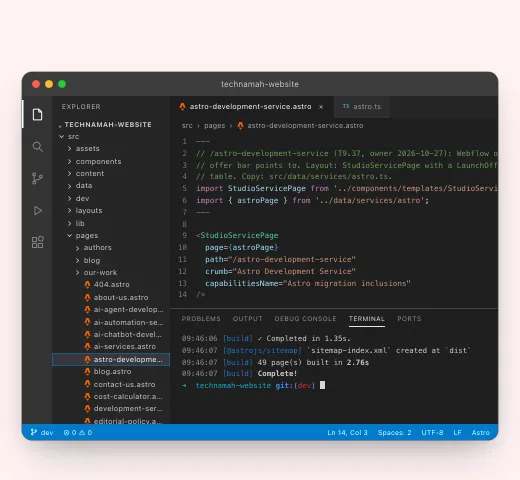
your-site/├─ src/│ ├─ pages/│ │ ├─ index.astro│ │ ├─ about.astro│ │ └─ blog/[slug].astro│ ├─ components/│ │ ├─ Header.astro│ │ └─ Hero.astro│ └─ lib/cms.ts ← your content├─ public/ images, fonts└─ astro.config.mjsEvery page, section and breakpoint is rebuilt in Astro to match your live site, with the animations and forms it already has. Visitors see the same website, only faster.
Included:
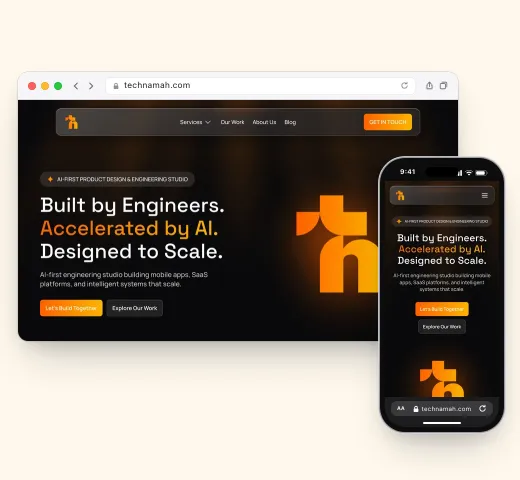
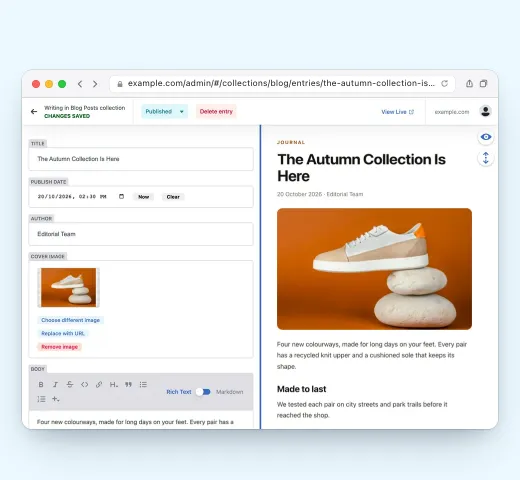
Blog posts, case studies and other collections move into a headless CMS, so your marketing team keeps publishing without a developer. We pick the CMS with you on day one.
Included:
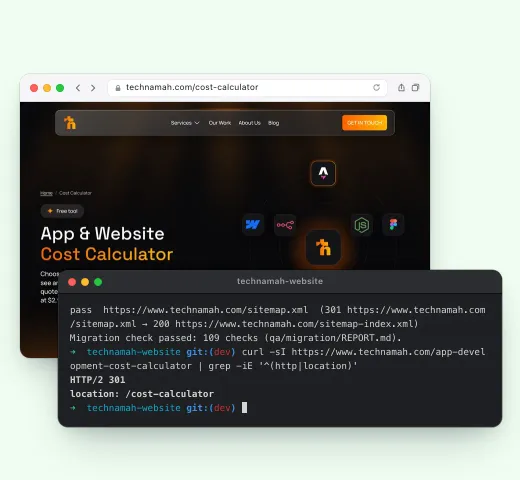
Every live URL is checked against the new site and either kept or sent on with a 301 redirect. Titles, meta descriptions, schema, canonicals and the sitemap move with the pages.
Included:
The code lives in your own GitHub account and deploys to the host you choose, such as Netlify, Vercel or Cloudflare. No platform plan to renew, and any developer can work on it later.
Included:
The Plan · 5 Working Days
Drag the marker along the ruler, or use the arrow keys, to see what we do and when.
We go through your whole site, export everything from the builder and agree the CMS with you.
Your design rebuilt as Astro components and pages, matched breakpoint by breakpoint.
Your content moves into the headless CMS, and every page reads from it.
We test everything, switch your domain over and hand you the keys.
Why Move
The site looks the same to your visitors. What changes is how fast it loads and who controls it.
Astro sends plain HTML with no JavaScript by default, so pages load fast on any phone.
Host a static site for a few dollars a month, or free, instead of a per-site plan.
The code is yours once the project is paid in full, in your own repository.
Add a calculator, a dashboard or an AI feature in code, with no platform limits.
A fixed scope and a fixed price, agreed before we start.
Pricing · Early Bird
One fixed price covers the whole move of a site of up to ten pages: the rebuild, the CMS, SEO and launch. The first ten slots are at the early-bird price, and once they are taken, the price goes up. A single landing page is $599 instead of $799, live in 3 working days, and enterprise and SaaS sites are quoted after a call.
From our blog
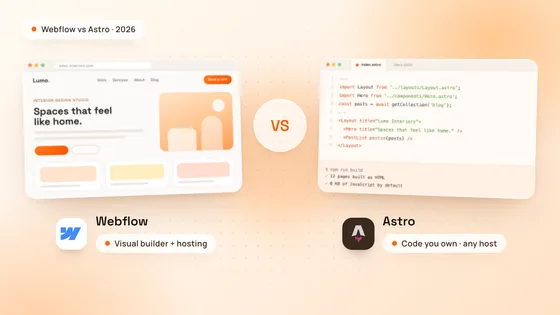
Webflow vs Astro in 2026, compared on cost, speed, editing, SEO and code ownership, with when each one fits and how a move from Webflow to Astro works.
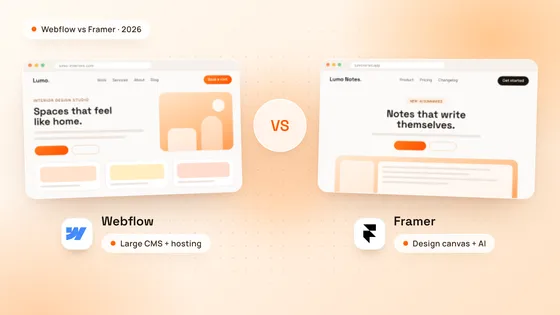
Webflow vs Framer in 2026, compared on plan prices, CMS limits, design, SEO, online stores and languages, with when each one is the better choice.
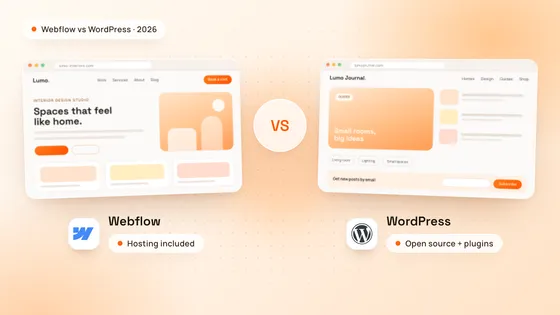
Webflow vs WordPress in 2026, compared on yearly cost, SEO, editing, online stores and security, with when each one wins and what a Webflow site costs.
Got Questions
Astro is an open-source web framework for content websites. It builds pages into plain HTML and sends no JavaScript unless a part of the page needs it, which keeps pages fast. It works with any headless CMS and hosts on Netlify, Vercel, Cloudflare and most other hosts.
Yes. We rebuild every page to match your live site at desktop, tablet and phone sizes, including its animations and forms, and you approve it before the domain switches.
Yes. Your blog posts and other collections move into a headless CMS such as Sanity, Storyblok, Keystatic or Decap CMS, and your team edits them in a visual editor. A change goes live in a minute or two.
Not when the move is done carefully. We check every live URL against the new site, keep the same addresses where we can, add a 301 redirect for any that change and carry over titles, meta descriptions and schema. We moved our own site this way.
For a typical marketing site of up to 10 pages, yes, because we agree the page list and the CMS before we start. A single landing page takes 3 working days. Very large sites, online stores and custom features take longer, and we give you the timeline and price before you commit.
Websites start from $599 for a single landing page, an offer price (regularly $799). A site of up to 10 pages is $1,499 while the launch slots last, then $2,599, and enterprise and SaaS sites are quoted after a call. Hosting is paid to your host, often free or a few dollars a month for a static site, and a headless CMS has its own plans, many with a free tier.
Access to your Webflow or Framer project, your domain settings and your Search Console, plus one person who can approve the site on day five.
Ready to Move?
Send us your site’s address and we come back with the page count, the CMS we suggest and a start date. We reply to every request within 24 hours.