Webflow and Framer both let you design a website visually and publish it on fast, managed hosting, without a developer for every change. They differ in how you design, how much content they hold and what they cost as your site grows. This guide compares the two on price, CMS, design, SEO, online stores and languages, with plans checked on webflow.com and framer.com in October 2026.
What is the difference between Webflow and Framer?
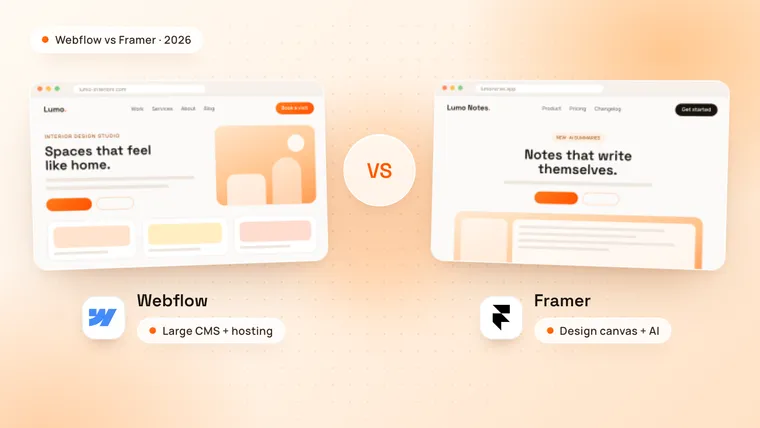
Webflow is a visual website builder that works like CSS, with classes, a box model and a large CMS. Framer is a design-first builder with a freeform canvas, closer to a design tool such as Figma, plus AI agents that design and edit pages.
Both are hosted platforms: you pay a site plan, and the platform runs the hosting, SSL and updates. Webflow is the more widely used of the two. It runs 0.8% of all websites, against 0.2% for Framer, according to W3Techs in October 2026.
| Webflow | Framer | |
|---|---|---|
| Design approach | Classes and a CSS box model | A freeform canvas, like a design tool |
| Best for | Content-heavy marketing websites | Landing pages, portfolios and startup sites |
| Cheapest plan with a CMS | Premium, $25 a month billed yearly | Basic, $10 a month billed yearly |
| CMS limit | 20,000 items in 40 collections (Premium) | 1,000 items in 2 collections (Basic), 2,500 in 10 (Pro) |
| Online store | Built in, with Ecommerce plans | Through plugins that connect Shopify |
| Extra languages | Webflow Localize, from $9 a month | $20 a month per language |
| AI | Webflow AI | AI agents, paid with monthly credits |
| Code export | Yes, on paid Workspace plans | No built-in export |
Which is cheaper, Webflow or Framer?
Framer is cheaper for small sites, and Webflow can be cheaper for larger ones. Both charge per site, and both cost less when you pay for a year at once.
These are the site plans as of October 2026, in US dollars before tax, billed yearly:
| Plan | Price | What you get |
|---|---|---|
| Webflow Starter | Free | A webflow.io address with 2 pages |
| Webflow Basic | $15 a month | Your own domain, up to 300 static pages, 10 GB of bandwidth, no CMS |
| Webflow Premium | $25 a month | Adds the CMS (20,000 items), site search and 50 GB of bandwidth |
| Framer Free | Free | A Framer address and 1 GB of bandwidth |
| Framer Basic | $10 a month | Your own domain, 30 pages, a CMS with 2 collections and 1,000 items, 50 GB of bandwidth |
| Framer Pro | $30 a month | 150 pages, 10 collections and 2,500 items, 100 GB of bandwidth, site redirects, staging and branch previews |
Source: Webflow pricing and Framer pricing. Both cost more when billed monthly.
The difference is clearest when you add up a year for a real site:
| Website | Webflow, per year | Framer, per year |
|---|---|---|
| 5-page site, no blog | $180 (Basic) | $120 (Basic) |
| Site with a small blog | $300 (Premium) | $120 (Basic) |
| Site with a blog, moved from an old site with redirects | $300 (Premium) | $360 (Pro) |
| Bilingual site with a blog | $408 (Premium + Localize Essential) | $360 (Basic + one language) |
| Small online store | $348 (Ecommerce Standard) + 2% of sales | A plan, plus a Shopify plan and a store plugin |
Extra people cost extra on both. Framer charges $20 a month per editor, or $10 for an editor who only changes content. Webflow includes one full seat in its free Starter Workspace and sells more, from $15 a month billed yearly for a seat that edits content.
The site plan is the smaller cost. Building the site usually costs more, as our guide on how much a Webflow website costs shows.
Which is easier to design with?
Framer is faster to learn for designers. You place and resize elements freely on a canvas, much like in Figma, and Framer turns the layout into a responsive website. Its AI agents can design sections, rewrite copy and organise CMS content, using the monthly credits that come with each paid plan.
Webflow takes longer to learn but gives more structure. You style pages with classes, so one change to a button or a heading updates it across the whole site. That keeps a large site consistent, and it makes sense to anyone who knows how CSS works.
Both handle animations well. Framer is known for smooth page effects with little setup; Webflow builds scroll and hover animations in its Interactions panel.
Which has the better CMS?
Webflow’s CMS is much larger. Premium holds 20,000 items in 40 collections, enough for a blog with thousands of posts, case studies, team pages and locations. Framer Basic holds 1,000 items in 2 collections, and Pro holds 2,500 items in 10 collections, with paid add-ons up to 40,000.
For a startup site with a blog and a few case studies, Framer’s CMS is enough. For a content team publishing every week across many sections, Webflow’s is the safer choice.
Is Webflow or Framer better for SEO?
Both can rank on the first page of Google, and both have the SEO basics built in, with no plugins to install.
- Webflow has meta titles and descriptions, 301 redirects, an automatic XML sitemap, robots.txt rules, schema markup and alt text on every paid site plan.
- Framer has dynamic meta titles and descriptions, an automatic sitemap and robots.txt, canonical URLs, Open Graph images and JSON-LD structured data. Site redirects come with the Pro plan, which matters when you move an existing site.
Rankings come from useful content, fast pages, a clear page structure and links from other websites. A larger CMS helps here: a site that publishes often has more pages that can rank.
Can you build an online store on Webflow or Framer?
Webflow can, with its own Ecommerce plans: Standard costs $29 a month billed yearly for up to 500 products, with a 2% transaction fee. Plus and Advanced remove the fee and hold more products.
Framer has no built-in store. Plugins on the Framer marketplace connect a Shopify store, which runs the products, payments and checkout while Framer shows the pages. That works for a small, design-led brand, but you pay for Framer, Shopify and often the plugin.
Which is better for a site in several languages?
Both translate sites with AI and keep each language on its own URL. Webflow Localize Essential starts at $9 a month billed yearly; Localize Advanced, from $29 a month, adds more languages, localised URLs and automatic visitor routing. Framer charges $20 a month per language, up to 20 languages on Basic and Pro.
For one extra language, the cost is close. For three or more, Webflow usually costs less.
When should you choose Framer?
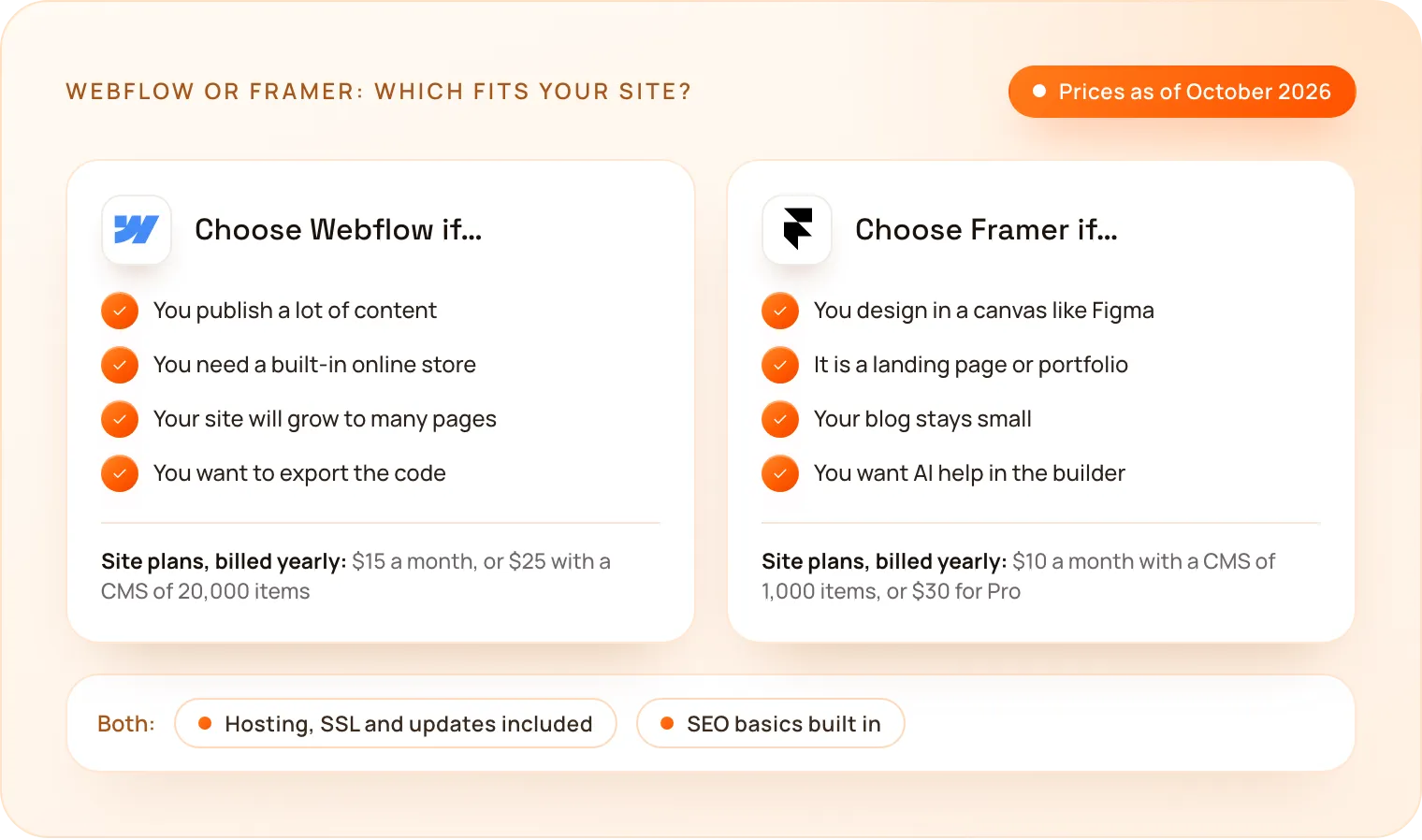
- You are a designer who wants to build in a canvas like Figma.
- It is a landing page, a portfolio or a startup site with a few pages.
- Your blog is small, under 1,000 posts and other items in two collections.
- You want AI help to design and edit pages inside the builder.
When should you choose Webflow?
- You publish a lot of content, such as a blog, case studies or resources.
- You need a built-in online store without a second platform.
- Your site will grow and needs consistent styles across many pages.
- You want to export the code or keep the option to host it elsewhere.
How much does a Webflow website cost at TechNamah?
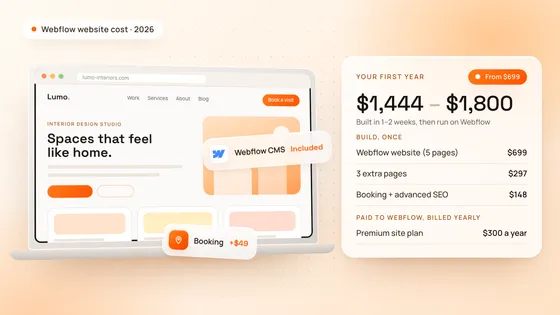
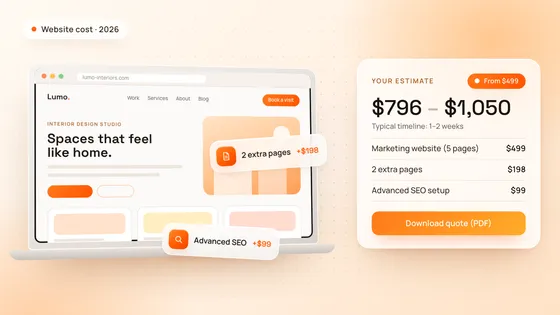
TechNamah builds marketing websites on Webflow. A Webflow website starts at $699 with up to 5 pages, the Webflow CMS, a responsive design and handover training, and goes live in 1–2 weeks. Extra pages cost $99 each, and a blog setup, an online store, extra languages and custom animations are priced in our free cost calculator.
The Webflow site plan is paid to Webflow, separately from the build. You can see Webflow websites we built in our NestAssure and Lead7 case studies. Comparing Webflow with WordPress as well? Our Webflow vs WordPress guide covers that choice.
How do you choose between Webflow and Framer?
Start from what the site has to do in two years, not just at launch: how much content you will publish, whether you will sell online and who will edit it. If it stays a small, design-led site, Framer is a good fit. If it will grow into a content or sales engine, choose Webflow. Book a free strategy call: in 30 minutes we look at your plans for the site and recommend the right setup, and we reply to every request within 24 hours. Our Webflow development page shows how we build.