Webflow and WordPress can both run a fast, professional website. The real differences are how the site is built, who keeps it running and what it costs over time. This guide compares the two on cost, SEO, editing, online stores, languages and security, with prices checked in November 2026, so you can pick the right one for your site.
What is the difference between Webflow and WordPress?
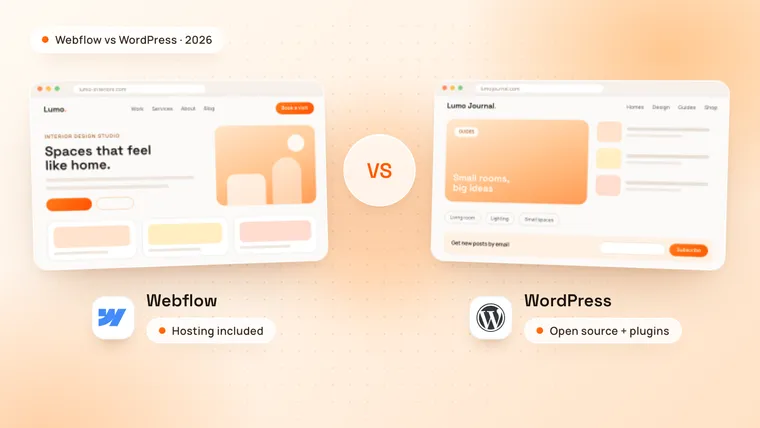
Webflow is a hosted website platform: you design pages visually, and Webflow runs the hosting, security and updates. WordPress is free, open-source software: you install it on hosting you choose, then add a theme and plugins for the features you need.
WordPress is far more widely used. It runs 38.5% of all websites, against 0.8% for Webflow, according to W3Techs in November 2026. That means a huge choice of themes, plugins and developers, but it does not make WordPress the right fit for every site.
This guide compares Webflow with self-hosted WordPress from WordPress.org. WordPress.com is a hosted service that runs the same software, with plans from $4 a month billed yearly.
| Webflow | WordPress | |
|---|---|---|
| What it is | A hosted website platform | Free, open-source software |
| Hosting | Included in the site plan | Chosen and paid for separately |
| Design | Visual designer, no theme needed | A theme or page builder, or custom theme code |
| Features | Built in, plus apps and custom code | Plugins for almost anything: over 75,000 free ones in the WordPress.org directory |
| SEO controls | Built in | Added with plugins |
| Security and updates | Handled by Webflow | Your job, your host’s or your developer’s |
| Team editors | One full seat included; more seats usually cost extra | As many users as you like, free |
| Online stores | Webflow Ecommerce, for up to 15,000 items | WooCommerce, with no product limit of its own |
| More than one language | The Webflow Localize add-on, from $9 a month | Plugins such as WPML or Polylang |
| Moving the site | Code export on paid Workspace plans, but CMS content and forms only work on Webflow | Moves to any host |
Which is cheaper, Webflow or WordPress?
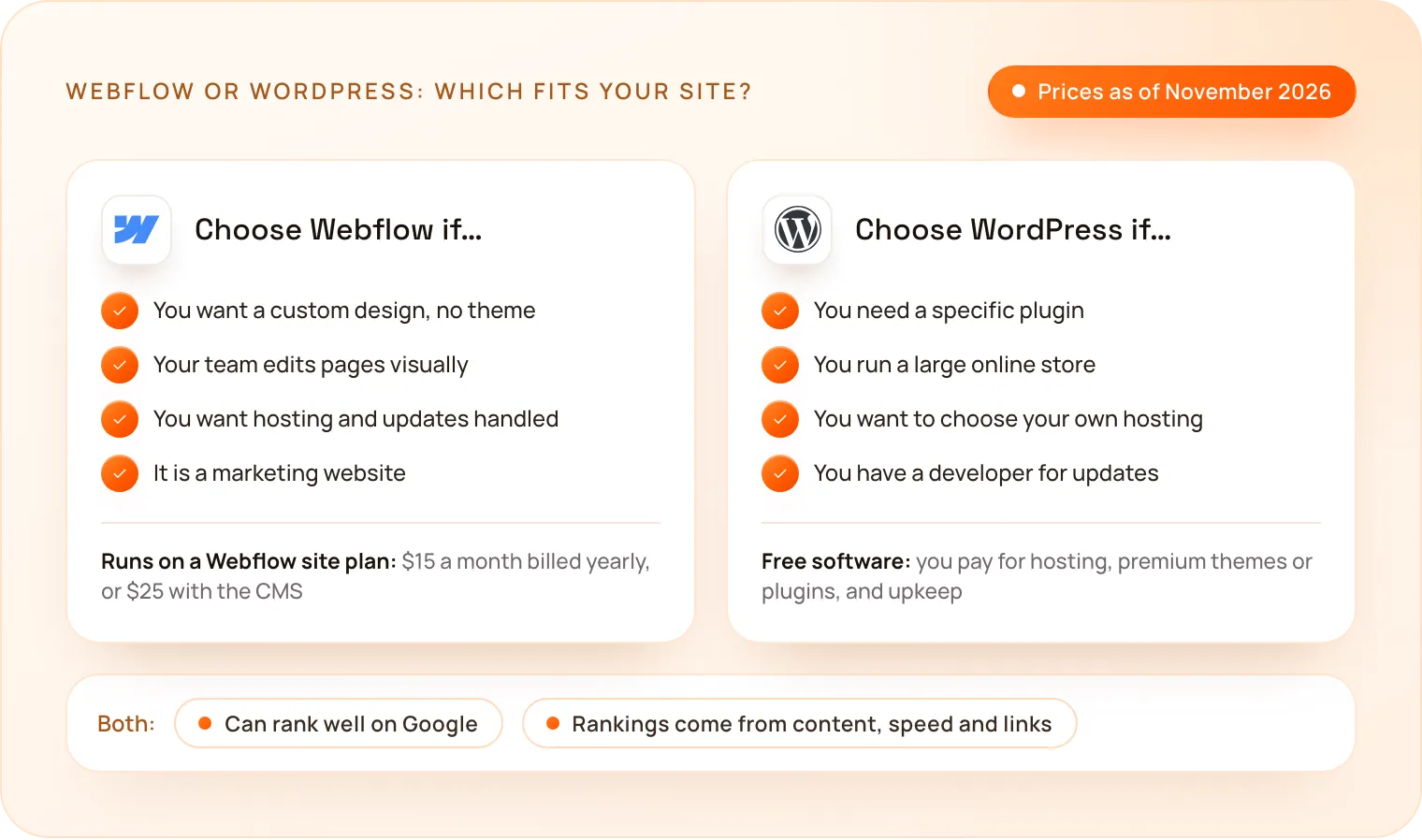
WordPress costs less to start: the software is free and hosting starts at a few dollars a month. A Webflow site plan costs more, $15 to $25 a month billed yearly, but it includes hosting, security, backups and updates. Compare the full yearly cost for your site, not the monthly price.
Webflow charges per site. As of November 2026, its site plans are:
- Starter: free, on a webflow.io address with 2 pages, for trying Webflow out.
- Basic: $15 a month billed yearly, for up to 300 pages on your own domain, without a CMS.
- Premium: from $25 a month billed yearly, which adds the Webflow CMS for a blog, case studies or other content that changes often.
Hosting, SSL, backups and platform updates come with every site plan. Online stores need an Ecommerce plan instead: Standard at $29 a month billed yearly (500 items, plus a 2% transaction fee), Plus at $74 (5,000 items) or Advanced at $212 (15,000 items). Each Webflow Workspace includes one full seat; more teammates usually need paid seats.
WordPress costs nothing to download, but every site needs hosting. As of November 2026, WordPress.com plans start at $4 a month billed yearly, with plugins on every paid plan, and a managed WordPress host such as Kinsta starts at $35 a month, or $315 billed yearly. Many sites also pay for premium themes or plugins, and someone has to keep WordPress, its theme and its plugins updated: you, your host or a developer you pay.
What it costs to run a 10-page business website with a blog for a year, with prices checked in November 2026:
| Webflow | WordPress | |
|---|---|---|
| Platform and hosting | $300 (Premium site plan) | $48 (WordPress.com Personal) to $315 (Kinsta’s entry plan) |
| SSL and backups | Included | Depends on the host |
| SEO, forms and caching | Built in | Free plugins, or premium ones paid yearly |
| Updates | Included | Your time, or a maintenance plan |
| Extra editors | Usually paid seats | Free |
The biggest cost is usually building the site, not running it. Our guide on how much a website costs breaks that down.
Is Webflow or WordPress better for SEO?
Both can rank on the first page of Google, and neither does the work for you. The difference is where the SEO controls come from.
- Webflow has them built in: meta titles and descriptions, 301 redirects, an automatic XML sitemap, robots.txt rules, schema markup and alt text, with no plugins to install.
- WordPress creates a basic XML sitemap on its own and gets the rest from SEO plugins such as Yoast SEO or Rank Math.
On both platforms, rankings come from useful content, fast pages, a clear page structure and links from other websites. A well-built site can do well on either one; a slow, thin site does badly on both.
Speed depends on the setup. Webflow serves every site through a global CDN, with automatic image optimisation. A WordPress site is as fast as its host, theme and plugins: a lean theme on good hosting is quick, while a heavy page builder and a long list of plugins slow it down.
Which is easier to edit and maintain?
Webflow is easier to keep running. Your team edits text, images and blog posts in a visual editor that looks like the live page, and there are no updates to install. New layouts are built in the Webflow Designer, which takes some learning or a developer.
WordPress is familiar to many editors, and its block editor handles everyday posts and pages well. The upkeep is the catch: WordPress, the theme and every plugin need regular updates, and an update can occasionally break another plugin or the layout.
Team size changes the cost. Each Webflow Workspace includes one full seat; more teammates usually need paid seats, and on some plans an editor can be limited to changing content, not the design. WordPress lets you add as many users as you like at no cost, with roles such as Editor and Author.
Which is better for an online store?
For a large catalogue, WordPress with WooCommerce. For a smaller store where the design matters most, Webflow Ecommerce.
WooCommerce is a free WordPress plugin with no product limit of its own, and extensions add shipping rules, subscriptions and more payment options. You pay for hosting that can handle the store’s traffic and for any paid extensions.
Webflow Ecommerce builds the shop pages, cart and checkout in the same visual designer as the rest of the site. As of November 2026, its plans cost $29 a month billed yearly for up to 500 items, with a 2% transaction fee; $74 for up to 5,000 items; and $212 for up to 15,000, with no transaction fee on either. Card fees from your payment provider apply on both platforms.
Which is better for a multilingual website?
Both can run a site in several languages: Webflow with its own Localize add-on, WordPress with plugins.
Webflow Localize costs from $9 a month for up to 3 added languages and 10,000 words a month, with AI translation. Localize Advanced, from $29 a month, covers up to 10 languages and 50,000 words, and adds translated URLs and automatic routing of visitors to their language. On WordPress, plugins such as WPML or Polylang do the same job, and Polylang has a free version.
Which is more secure?
Webflow manages security for you. Every site plan includes SSL, and Webflow’s hosting adds DDoS and bot protection, automatic backups and continuous vulnerability scanning.
WordPress core is maintained by a large community and is secure when kept up to date. Most WordPress security problems start in outdated or badly maintained plugins and themes, so a WordPress site is only as safe as its updates and the plugins you choose.
When should you choose WordPress?
- You need a specific plugin, such as a membership area, online courses or a forum.
- You run a large online store. WooCommerce handles big catalogues well.
- You publish a lot, with many writers. WordPress was built for blogging, and extra users cost nothing.
- You want full control over the hosting, the server and the code.
- You already have a WordPress developer who keeps the site updated.
When should you choose Webflow?
- You want a custom design and smooth animations without a theme.
- Your team edits often. Pages and blog posts change without a developer.
- You want no upkeep. Hosting, security and updates are handled for you.
- It is a marketing website for a startup, a SaaS product or a service company.
- You want a small store that matches your brand. Shop pages are built in the same visual designer.
Can you move from WordPress to Webflow?
Yes. Keeping your rankings is the part to plan carefully:
- List every page and URL on the old site, including blog posts.
- Rebuild the design in Webflow, page by page.
- Import the blog posts into the Webflow CMS, for example from a CSV file.
- Add a 301 redirect from every old URL to its new address, so visitors and search engines land on the right page.
- Check Google Search Console after launch for pages that are not found.
How much does a Webflow website cost at TechNamah?
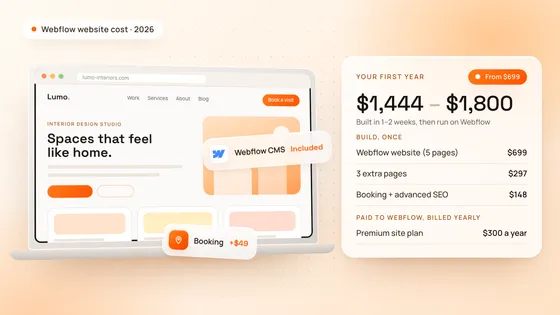
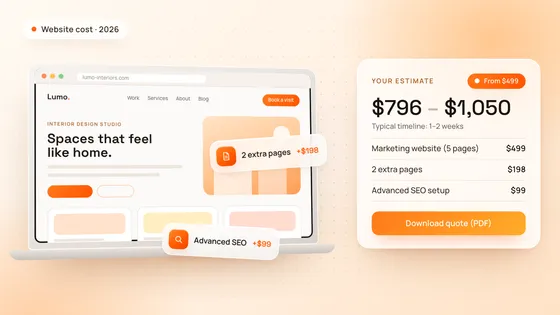
A Webflow website starts at $699 with up to 5 pages, the Webflow CMS, a responsive design and handover training, and goes live in 1–2 weeks. These examples use the same prices and rules as our cost calculator. The range runs from the exact total to about 30% more, which covers the small details every project finds along the way.
| Website | What it includes | Estimate |
|---|---|---|
| Business website | Webflow website, up to 5 pages | $699 – $900 |
| Startup website with motion | Webflow website, 5 extra pages, custom animations | $1,393 – $1,800 |
| Small online store | Webflow website, e-commerce (up to 50 products, payments) | $1,198 – $1,550 |
| 15-page WordPress site rebuilt in Webflow | Webflow website, 10 extra pages, advanced SEO setup | $1,788 – $2,300 |
The Webflow site plan, or an Ecommerce plan for a store, is paid to Webflow, separately from the build. You can see Webflow websites we built in our NestAssure and Lead7 case studies.
How do you choose for your website?
Start from how the site will be run: who edits it, how often, and which features it must have. Price a Webflow build in our free cost calculator and download the estimate as a PDF, or book a free strategy call: in 30 minutes we look at how you will run the site and recommend the right setup, and we reply to every request within 24 hours. Our Webflow development page shows how we build.
Weighing up a static site instead? Our Webflow vs Astro guide compares the two.