“How much does a website cost?” has a frustrating answer online: anything from a free template to a five-figure agency project. This guide gives real numbers instead: TechNamah’s starting prices, the features that change them, and four example websites priced the same way our cost calculator prices them.
How much does a website cost at TechNamah?
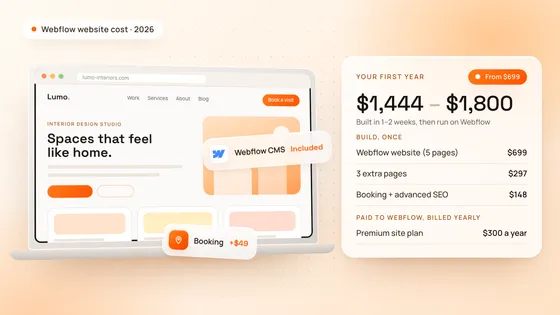
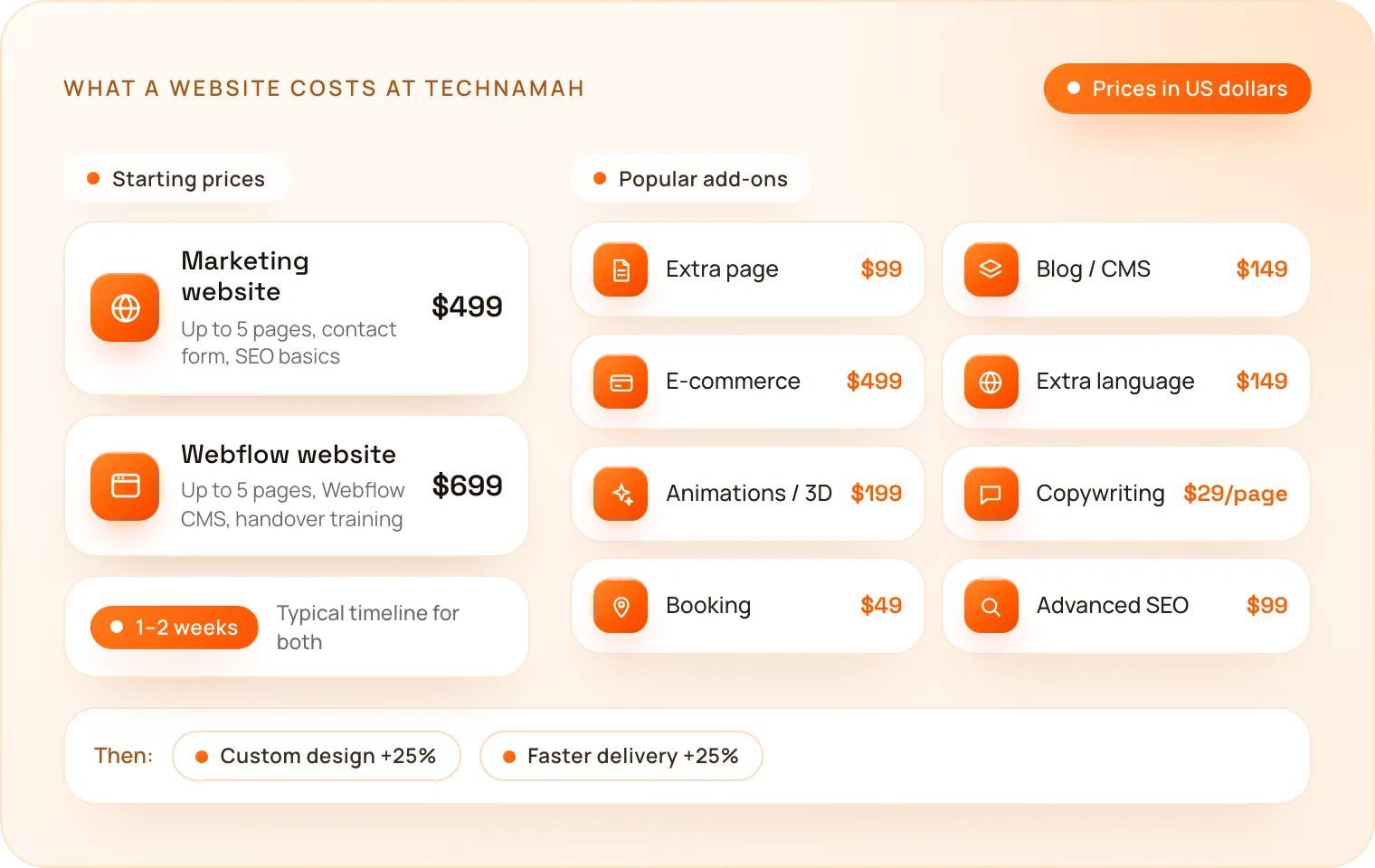
A marketing website or landing page starts at $499, and a Webflow website with its CMS starts at $699. Both include up to 5 pages and go live in 1–2 weeks.
| Website | Starting price | What the starting price includes | Typical timeline |
|---|---|---|---|
| Landing page / marketing website | $499 | Up to 5 pages, responsive, contact form and basic SEO setup | 1–2 weeks |
| Webflow website | $699 | Up to 5 pages, Webflow CMS, responsive, and handover training | 1–2 weeks |
A Webflow website also needs a Webflow site plan, paid to Webflow every month or year. Our guide on how much a Webflow website costs lists those plans and adds them up for the first year.
If your website is really a product, with user accounts, a dashboard or data behind a login, it is a web app instead. A web app or SaaS MVP starts at $2,999; our guide on how much it costs to build an app covers those prices.
What makes a website cost more?
Two things move the price most: the number of pages and the features on them. Each feature below is a fixed add-on price, so you can see exactly what you are paying for.
| Feature | Price |
|---|---|
| Each extra page (beyond 5) | $99 |
| Blog / CMS setup | $149 |
| E-commerce (up to 50 products, payments) | $499 |
| Each extra language | $149 |
| Custom animations / interactive 3D | $199 |
| Copywriting | $29 per page |
| Booking / calendar integration | $49 |
| Advanced SEO setup (schema, sitemap, Search Console) | $99 |
Two more choices change the total:
- Fully custom UI/UX design adds 25%. The starting prices use clean layouts from our design system; a custom design is unique, brand-led work on every page.
- Faster delivery adds 25%, for a priority team when a launch date cannot move.
What do real websites cost? Four examples
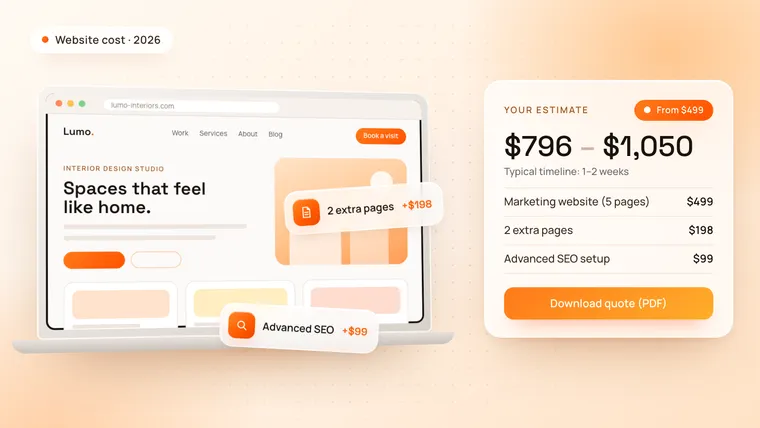
These examples use the same prices and rules as the cost calculator. The range runs from the exact total to about 30% more, which covers the small details every project finds along the way.
| Website | What it includes | Estimate |
|---|---|---|
| Local business website | Marketing website, 2 extra pages, advanced SEO setup | $796 – $1,050 |
| Startup website on Webflow | Webflow website, 5 extra pages, blog / CMS, custom animations, copywriting for 10 pages | $1,832 – $2,400 |
| Online store | Marketing website, 3 extra pages, e-commerce, advanced SEO setup, fully custom design | $1,743 – $2,250 |
| Bilingual clinic website | Marketing website, 3 extra pages, one extra language, booking integration, fully custom design | $1,243 – $1,600 |
How long does it take to build a website?
A business website takes 1–2 weeks from the agreed content and design direction to launch. AI across design, code, testing and deployment is what makes this timeline possible without cutting corners. Larger sites with many pages, a store or several languages are planned on the strategy call, and you get the timeline with the quote.
What should every business website include?
Whatever the budget, a website that brings in customers needs the same foundations. Every TechNamah website includes them:
- A layout that works on every screen. Many visitors arrive on a phone, so every page is designed and tested on phones, tablets and desktops.
- Fast loading. Compressed, correctly sized images and lean code, because slow pages lose visitors and rankings.
- Basic SEO setup. A clear heading structure, a meta title and description on every page, and clean URLs.
- A clear way to contact you. A contact form on the site, so a visit can turn into an enquiry.
How can you keep the cost down?
- Start with the pages that sell. Home, services, about and contact cover most businesses. Add more pages once you know what visitors look for.
- Write your own first draft. You know your business best; bring your text, and add copywriting only for the pages you find hard to write.
- Choose Webflow if you will edit often. Changing text and posts yourself saves paying a developer for every small update.
- Use a design system first, custom later. Launch on clean, proven layouts and invest in a custom design once the site has shown what works.
- Add features in stages. A blog, a store or a second language can follow once the core site is live.
How do you get an exact price for your website?
Pick your website and features in our free app and website cost calculator to see your price range instantly, and download it as a PDF quote. Then book a free strategy call: we confirm the scope with you and reply to every request within 24 hours.