“Should we build a web app or a mobile app?” is one of the first decisions in any new product, and it shapes the budget, the launch date and how people find you. This guide compares the two on reach, device features, offline use, updates, store fees and cost, with facts checked in October 2026, so you can choose the right one to build first.
What is the difference between a web app and a mobile app?
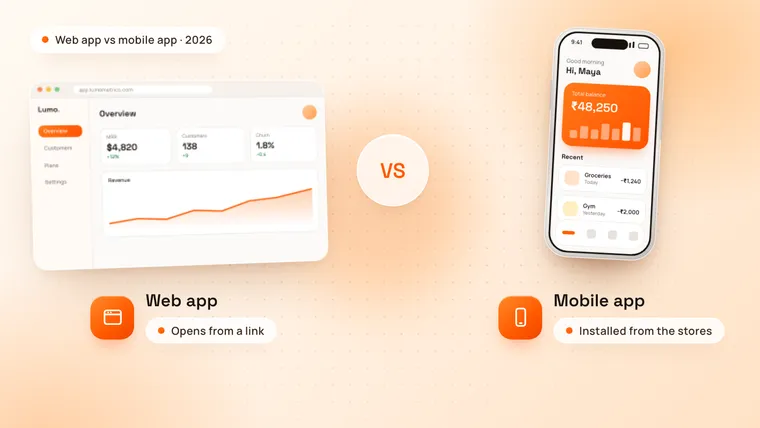
A web app runs in the browser: people open it from a link on a laptop, tablet or phone, with nothing to install. A mobile app is installed from the App Store or Google Play and runs on the phone itself, with full access to the device.
Both can look and feel like a real product. The difference is where they live, how people get them and what they can do on the device.
| Web app | Mobile app | |
|---|---|---|
| How people get it | Open a link or search for it | Download from the App Store or Google Play |
| Devices | Any device with a browser | iPhone and Android phones (and tablets) |
| One build covers | Desktop, tablet and phone | iOS and Android, with a cross-platform framework |
| Device features | Camera, location, notifications, with limits on iPhone | Full access: Bluetooth, NFC, background location, sensors |
| Offline use | Possible, with more work | Built in |
| Push notifications | Android browsers; iPhone only from the Home Screen | Reliable on both platforms |
| Updates | Live the moment you release | Through app store review, then users update |
| Store fees | None | Apple $99 a year, Google Play $25 once, plus a share of in-app digital sales |
| Found through | Google search and links | App store search, plus links to the store |
Which reaches more people?
A web app reaches anyone with a link. There is no download in the way, so a visitor from Google, an email or an advert can sign up in seconds, on whatever device they have. That makes web apps strong for B2B tools, dashboards and products people first try at work.
A mobile app reaches people who decide to install it. That extra step loses some visitors, but the people who install tend to come back more: the icon sits on their home screen, and notifications bring them back.
Phones matter either way. About 59% of web traffic worldwide came from mobile devices in September 2026, according to StatCounter, so a web app must work well on a small screen, not just on a laptop.
Which can do more on the phone?
A mobile app can. Installed apps get full access to the phone’s hardware and system: Bluetooth, NFC, background location, health data, sensors, the camera with full control, and widgets on the home screen.
Web apps can use the camera, location, notifications and some sensors, but support differs by browser. On iPhone, Safari does not support Web Bluetooth or Web NFC, according to Can I use, while Chrome on Android supports both. If your product talks to a device, a card reader or a fitness tracker, build a mobile app.
Do web apps work offline and send notifications?
They can, with limits.
- Offline: a web app can keep working without a connection by storing its files and data on the device with a service worker. It takes extra work to build, and a mobile app does it more naturally.
- Push notifications: on Android, web apps can send notifications from the browser. On iPhone, web push has worked since iOS 16.4, but only after the visitor adds the web app to the Home Screen and allows notifications, as WebKit explains. Most iPhone users never do that, so they never get your notifications.
If reminders, messages or alerts are what bring users back, a mobile app is the safer choice.
What about a progressive web app (PWA)?
A progressive web app is a web app built to behave more like an installed app. As MDN describes, it can be installed on the device, open in its own window, keep working offline and run some tasks in the background, all from one codebase.
A PWA is a good middle path when you want an app-like experience without the app stores. It still has the web’s limits on iPhone, and most people look for apps in the App Store, not in a browser menu. Many teams launch a web app or PWA first and add a store app once users ask for it.
Which is faster to update?
A web app. When you release a fix or a new feature, every user has it the next time they open the page.
A mobile app update goes through Apple’s and Google’s review first, and then each user has to install it, so some people run an old version for a long time. Good release planning handles this, but if you expect to change the product every week while you learn, the web is easier.
What do the app stores charge?
Publishing a mobile app has a few fixed costs:
- Apple charges $99 a year for its developer account.
- Google Play charges a one-off $25 registration fee.
The stores also take a share of digital goods and subscriptions sold inside the app. Apple’s Small Business Program charges 15% for developers who earned up to $1 million in the previous year. Google Play’s service fees depend on the country and the type of sale; in the US, auto-renewing subscriptions pay 10% plus a 5% billing fee.
Physical goods and real-world services, such as a class booking, a food order or a taxi ride, are paid with normal card payments and pay no store commission. A web app pays no store fees at all, only your payment provider’s charges.
How much does each cost to build at TechNamah?
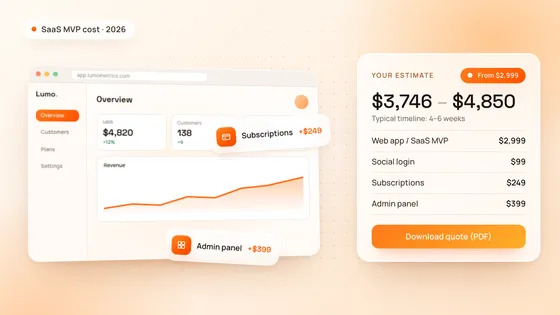
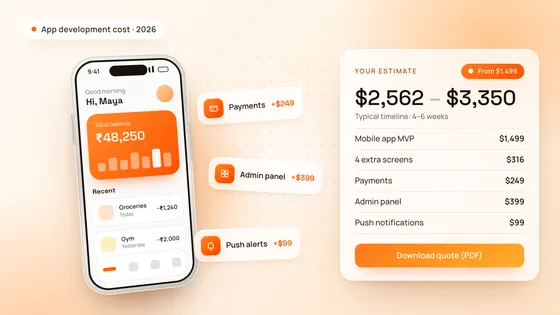
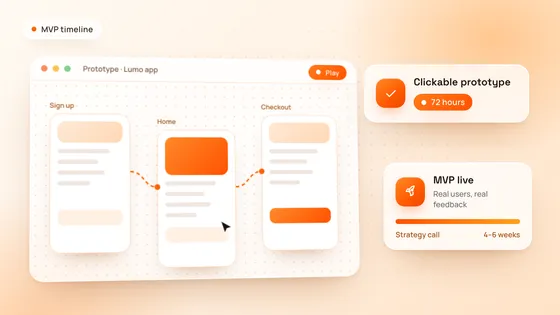
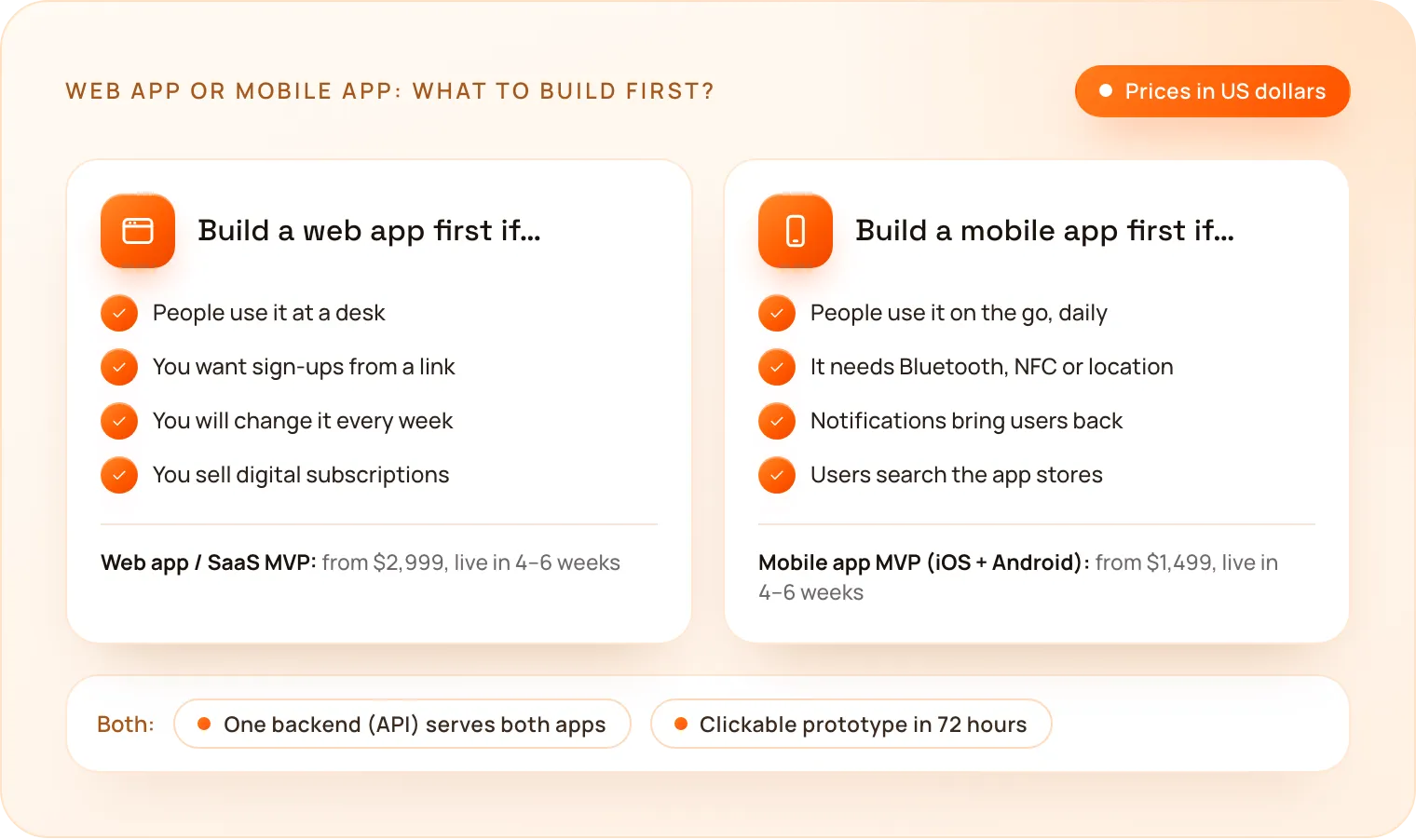
A mobile app MVP for iOS and Android starts at $1,499, and a web app or SaaS MVP at $2,999. Both launch in 4–6 weeks, with a clickable prototype in 72 hours.
| Project | Starting price | What the starting price includes | Typical timeline |
|---|---|---|---|
| Mobile app MVP (iOS + Android) | $1,499 | Up to 8 screens, email login, a simple backend and database, app store submission | 4–6 weeks |
| Web app / SaaS MVP | $2,999 | Up to 8 screens, email login, a user dashboard, backend, database and hosting setup | 4–6 weeks |
We build most mobile apps in Flutter, so one codebase runs on both iOS and Android; our Flutter vs React Native guide explains why. These examples use the same prices and rules as our cost calculator. The range runs from the exact total to about 30% more, which covers the small details every project finds along the way.
| Product | What it includes | Estimate |
|---|---|---|
| Gym booking, as a mobile app | Mobile app MVP, social login, payments, push notifications | $1,946 – $2,550 |
| Gym booking, as a web app | Web app / SaaS MVP, social login, payments | $3,347 – $4,350 |
| Delivery app | Mobile app MVP, 4 extra screens, maps and location, payments, push notifications, admin panel (web) | $2,761 – $3,600 |
| Field team app that works offline | Mobile app MVP, offline mode, maps and location, admin panel (web) | $2,346 – $3,050 |
| Client portal | Web app / SaaS MVP, admin panel, in-app chat | $3,747 – $4,850 |
Our guides on how much an app costs and how much a SaaS MVP costs go deeper into each price.
When should you build a web app first?
- People use it at a desk, such as a dashboard, a CRM, a booking back office or a B2B tool.
- You want sign-ups from a link, from Google, adverts or email, with nothing to install.
- You will change it often while you learn what users need.
- It sells digital subscriptions, and you want to keep the full price without store commission.
When should you build a mobile app first?
- People use it on the go, several times a day, such as fitness, delivery, travel or field work.
- It needs the phone itself: Bluetooth, NFC, background location, the camera or health data.
- Notifications bring users back, such as reminders, messages or order updates.
- Your users search the app stores for products like yours.
Can you have both?
Yes, and many products end up with both: a mobile app for customers on the go and a web dashboard for the team that runs the business. Our mobile app MVP has an admin panel (web) add-on for exactly this, and a web app can gain a mobile app later on the same backend. The key is to build the backend as an API from the start, so both apps share the same accounts and data.
How do you choose for your product?
Start from where and how often people will use it, and which phone features it needs. Price both options in our free cost calculator and download the estimate as a PDF, or book a free strategy call: in 30 minutes we look at your users and recommend what to build first, and we reply to every request within 24 hours. See how we build on our mobile app development and web and software development pages.