- Client
- AI Startup
- Industry
- AI / Productivity
- Services
- UI/UX · Mobile App · Brand
- Tools
- Figma
- Timeline
- 4 Weeks
- Year
- 2026
Overview
About the Project
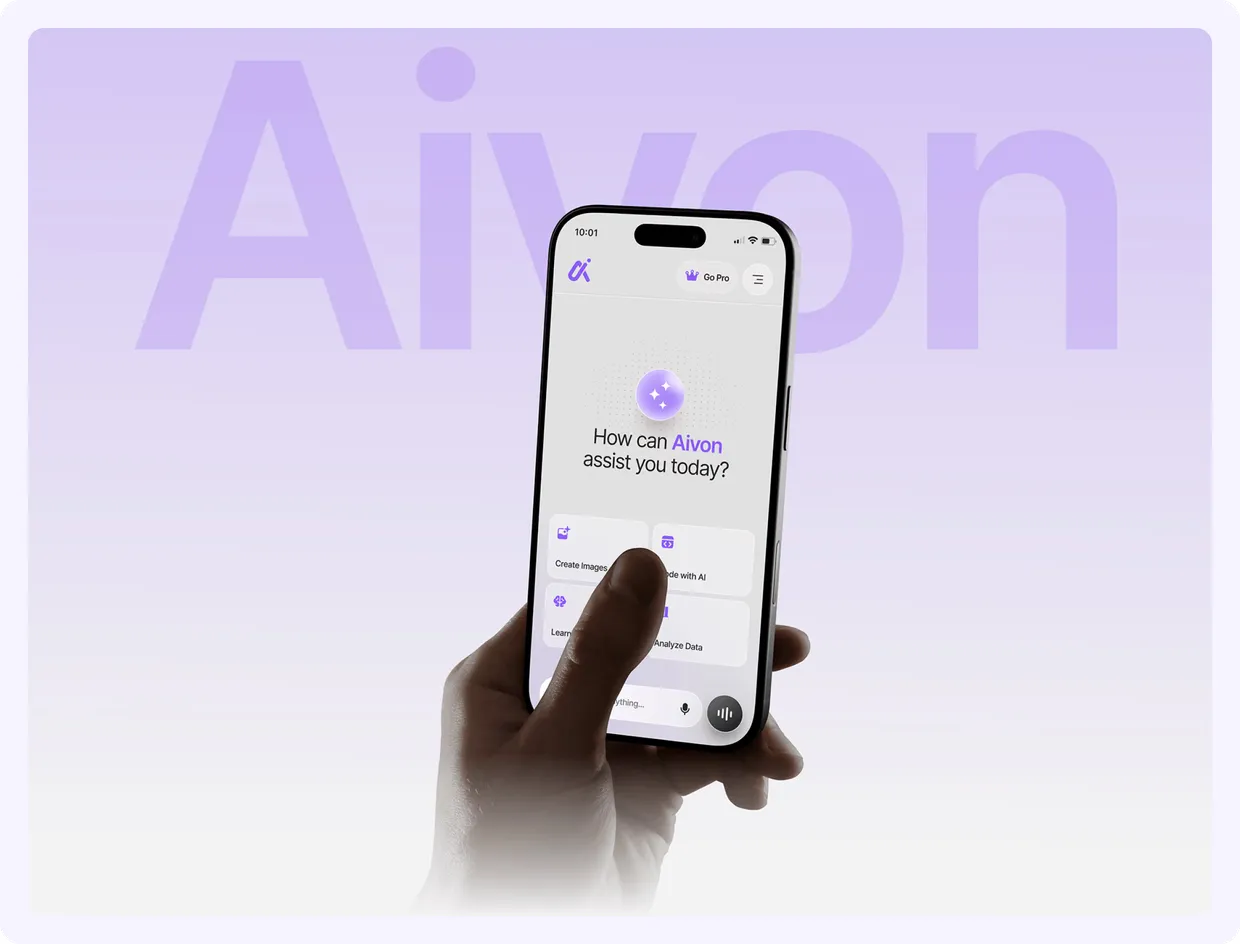
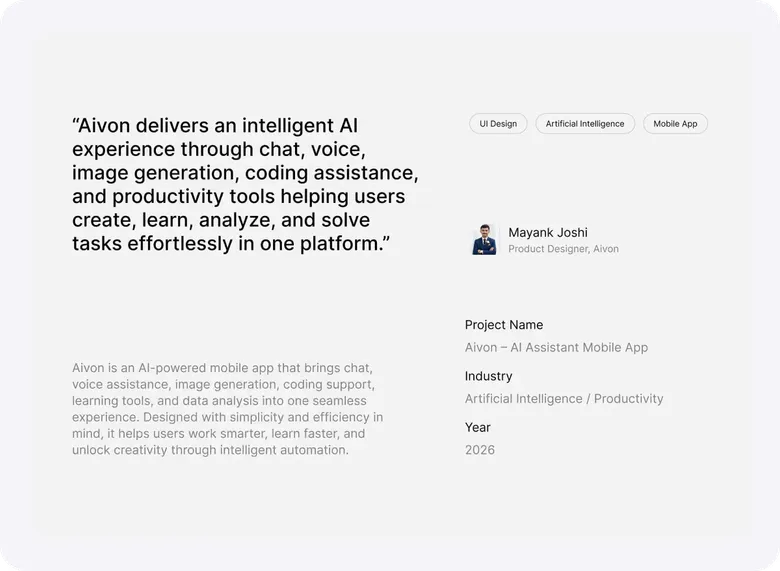
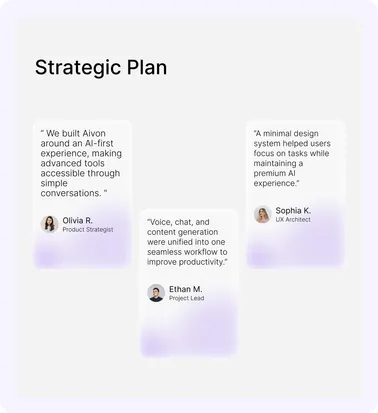
Aivon AI is a modern AI assistant mobile app that brings multiple AI capabilities into one unified experience: conversational AI, voice assistance, image generation, coding support, learning tools, and data analysis, helping users work smarter and accomplish more with less effort.
The Challenge
Reducing AI Complexity
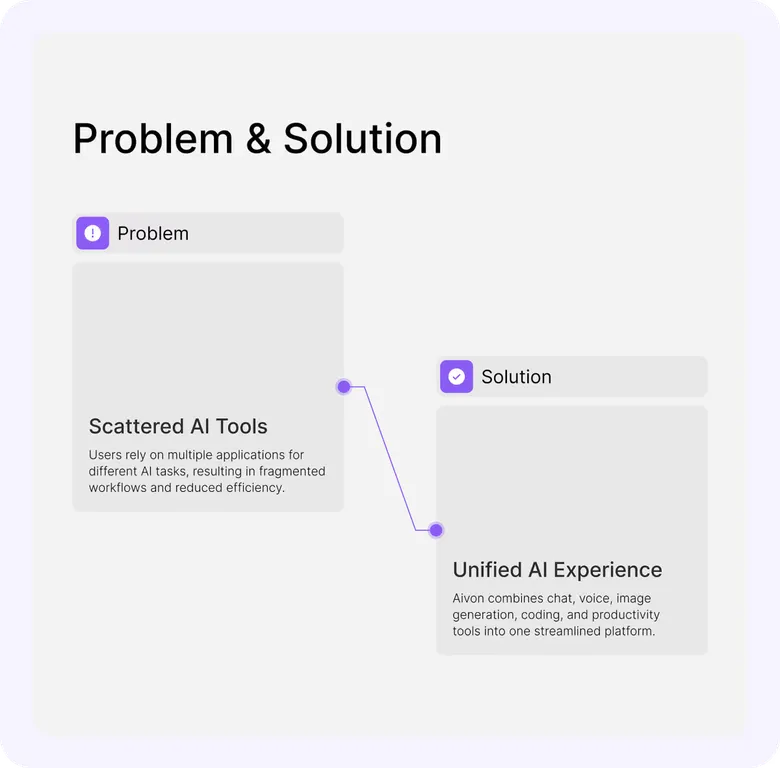
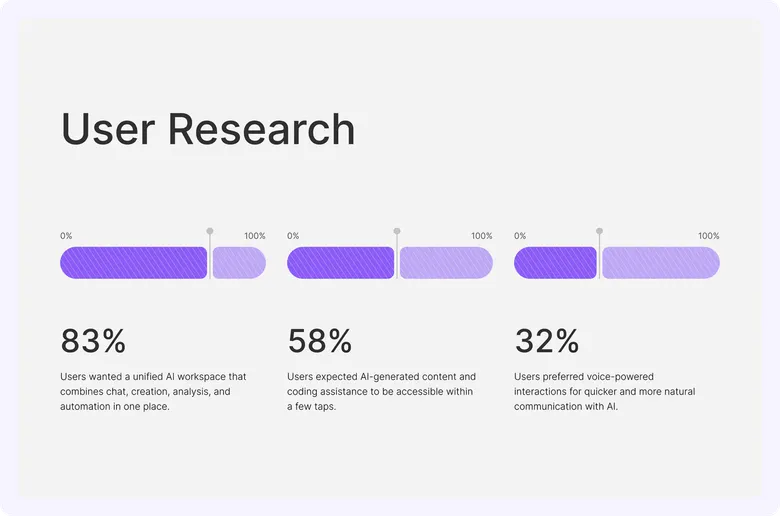
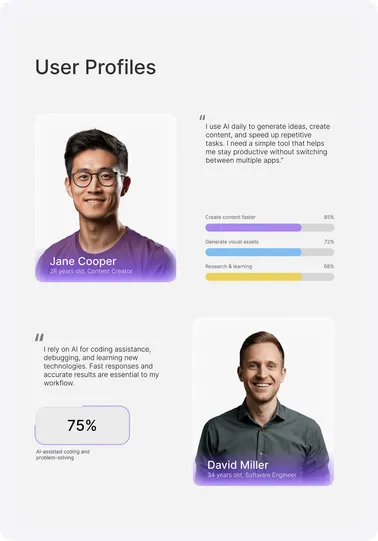
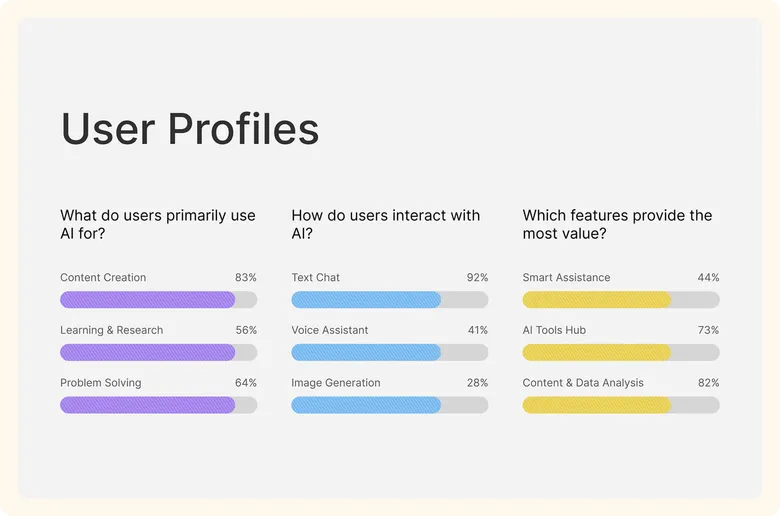
Powerful AI tools exist, but they live in separate apps, each with its own interface and learning curve. Research and problem definition shaped one goal: a clean, intuitive experience that makes advanced AI accessible to users of every skill level.
Design Approach
One Interface, Many Superpowers
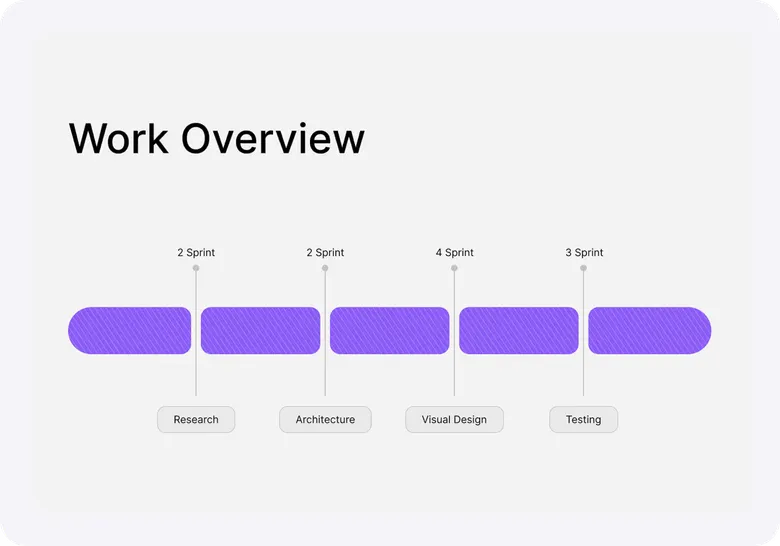
The design process ran end-to-end: user research, problem definition, interface design, prototyping, and branding. Every screen follows the same principle: reduce complexity first, then make each AI capability feel one tap away.
The App
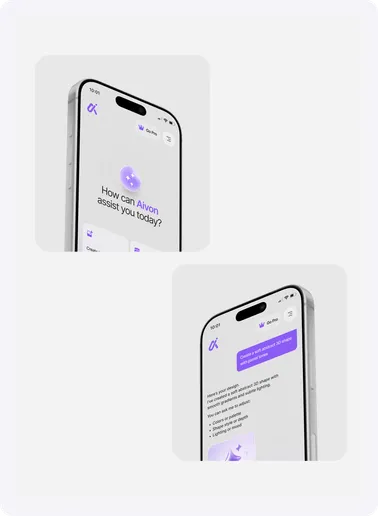
Every AI Tool, One Tap Away
Chat, voice, image generation, coding support, learning tools, and data analysis sit on one calm home screen, so users move between AI capabilities without switching apps.
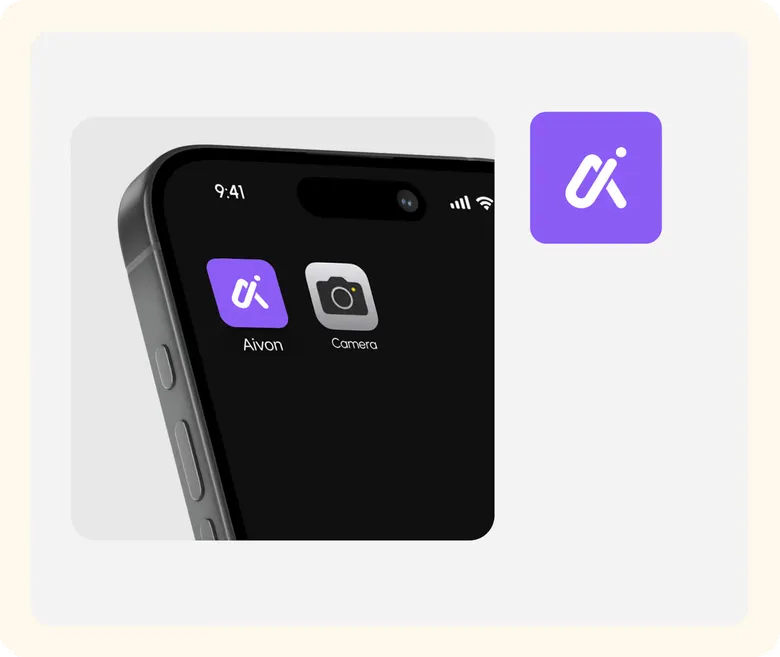
Visual Language
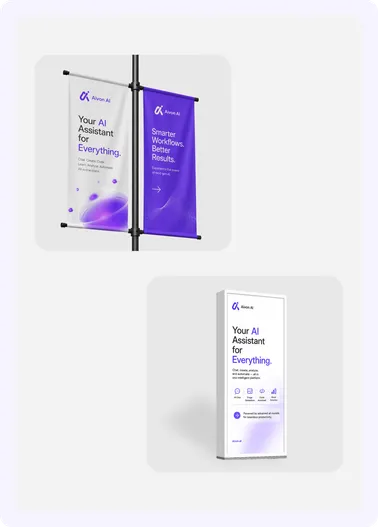
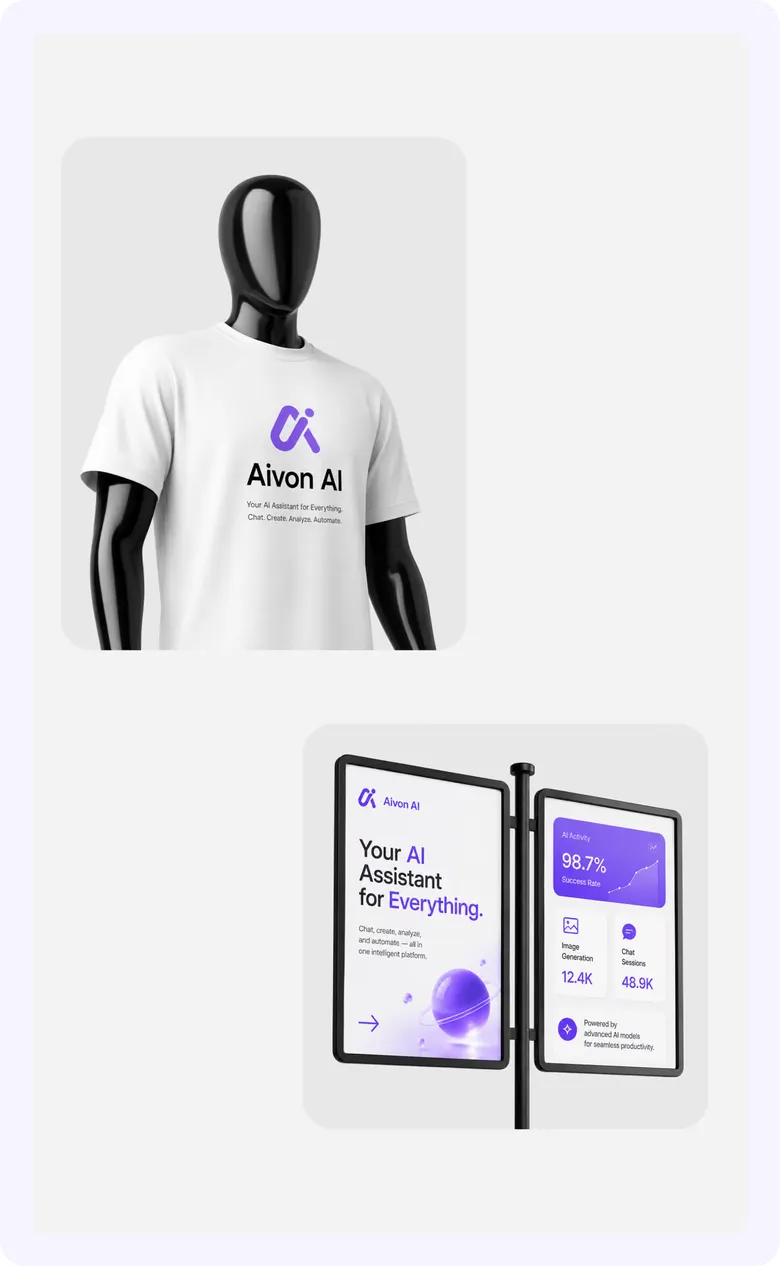
Branding the Intelligence
A cohesive identity and interface language designed to feel calm, capable, and modern.
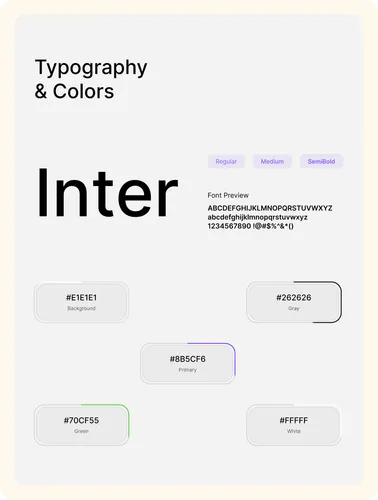
The Complete Flow
Every Screen, One System
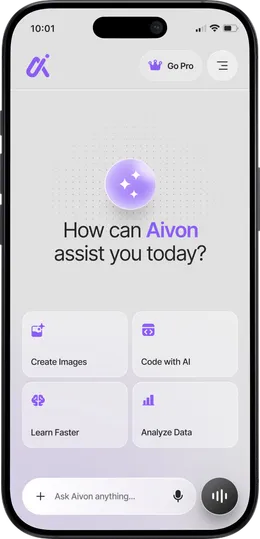
AI Assistant Home
Quickly access AI chat, image generation, coding assistance, learning tools, and data analysis from one intuitive dashboard.
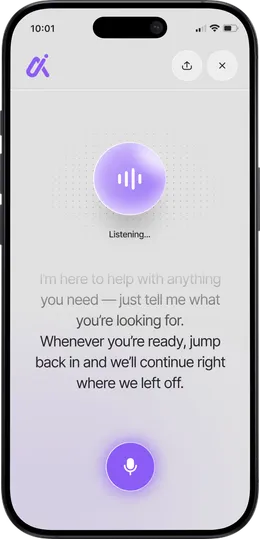
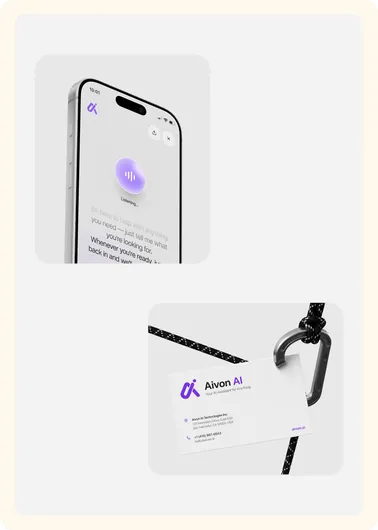
Voice Interaction
Users can interact with Aivon through voice commands for a faster, hands-free experience, making everyday tasks more accessible and efficient.
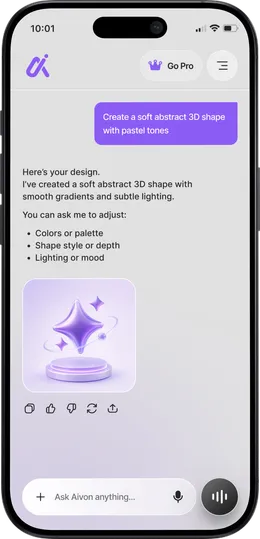
AI Image Generation
Generate creative images, concepts, and designs through simple prompts while receiving intelligent suggestions and refinements.
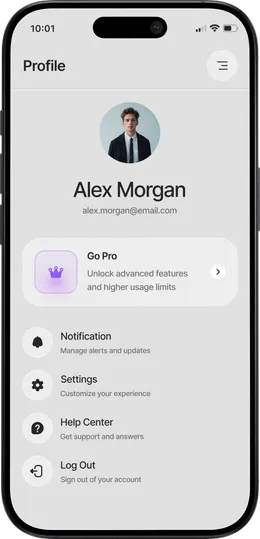
User Profile & Settings
Manage account preferences, notifications, subscription plans, and app settings through a clean and organized profile interface.
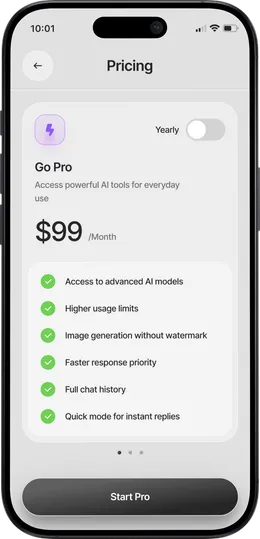
Premium Experience
Access advanced AI models, higher usage limits, watermark-free image generation, faster responses, and exclusive premium features with Aivon Pro.
The Outcome
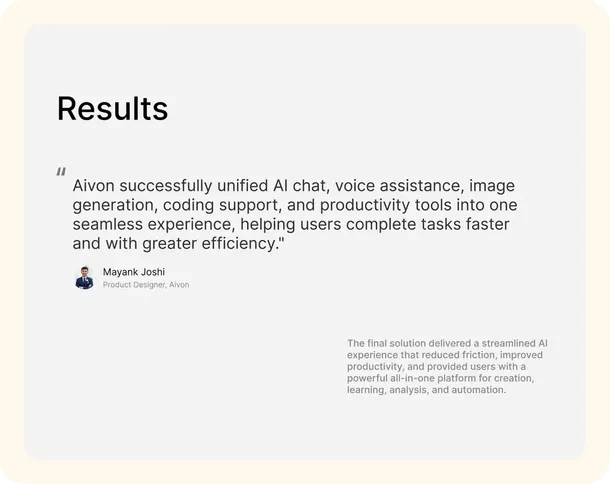
The Results
- Research to production-ready design
- 2 Weeks
- Designed across the full app
- 36 Screens
- AI capabilities unified in one UX
- 6-in-1
Got Questions
Frequently Asked Questions
How long does it take to design a SaaS website?
A basic website takes 1–2 weeks. A SaaS site that also needs a new brand identity and product screens takes longer; Signvex went from brand to launch-ready design in 4 weeks. We confirm your timeline after a free 30-minute strategy call.
Can TechNamah design the brand, product UI, and website together?
Yes. We design the brand identity, the product interface and the marketing website as one system, so typography, colour and components stay consistent everywhere. Signvex, Lead7 and NestAssure were all delivered this way, from the first logo sketch to a launch-ready website.
Why build a SaaS marketing site in Webflow?
Webflow gives a SaaS team a fast, responsive marketing site that the team can update without a developer, from new pages to pricing changes. We design the site in Figma and build it in Webflow, so the live site matches the approved design and stays easy to grow.